EA SPORTS FC 27 Closed Beta Evolutions Pathways & PlayStyles Lab
Branching upgrade routes, Chain Preview planning, and Season 1 PlayStyles Lab fine-tuning in Ultimate Team.
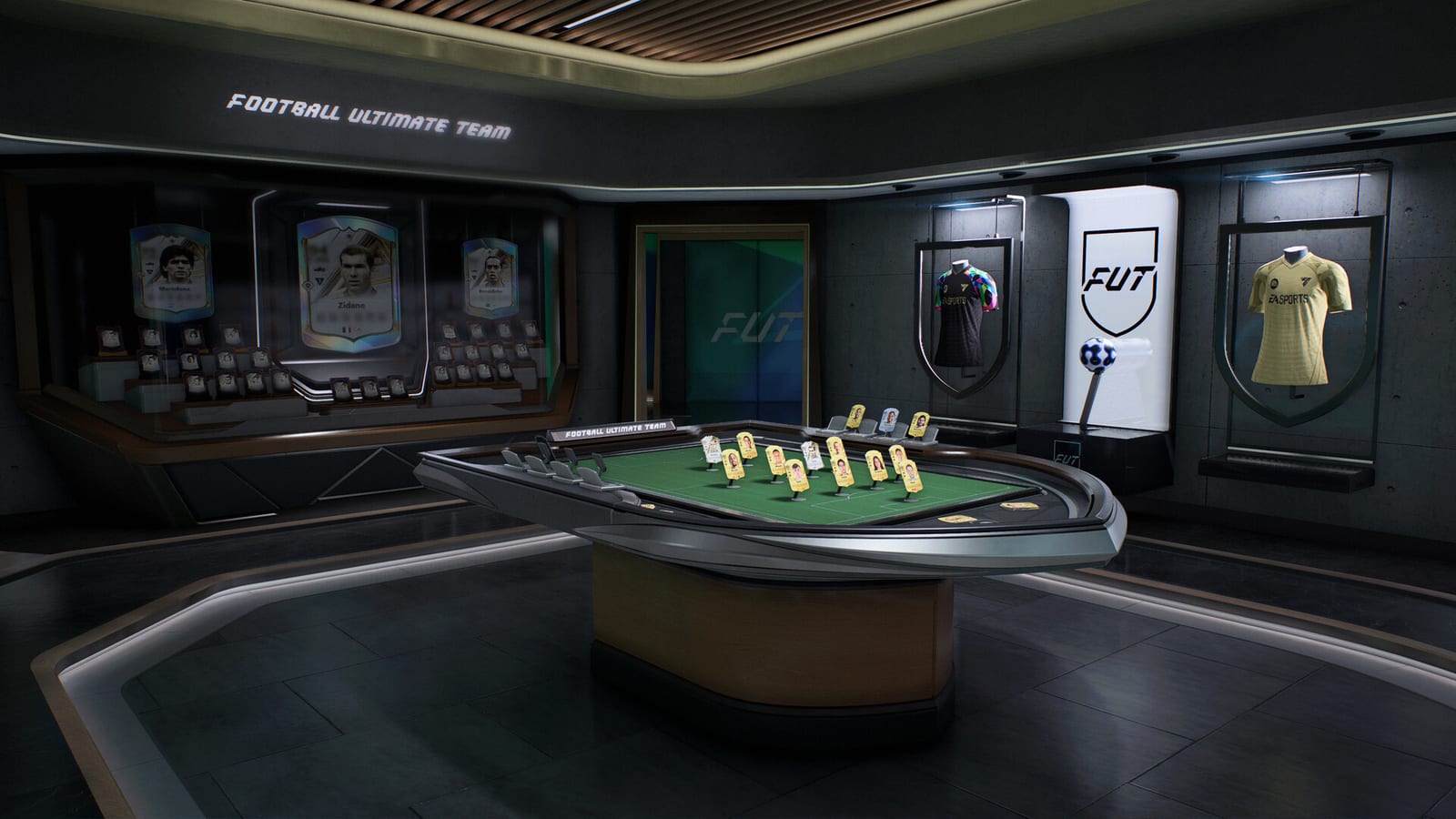
Evolutions Pathways turn Ultimate Team growth into visible routes instead of hidden stat gates buried in flat menus. EA SPORTS FC 27 pairs Pathways with Evolution Chain Preview, returning PlayStyles Lab in Season 1 with pre-applied PlayStyles you can fine-tune after the base evolution lands. During the Closed Beta (Aug 5–25, 2026)—with broader FUT access from the August 18 phased unlock—testers should validate branching logic, preview accuracy, and PlayStyles UI before September 25, 2026 retail launch (Ultimate early access September 18). Beta evolution progress does not carry to retail.
Read FUT Gallery first for Gallery Hub layout, then use this guide when you commit consumables to a Pathway. Cross-link Streamlined SBCs so duplicate submissions do not accidentally eat evolution-bound fodder.
What changed from flat Evolutions
Previous FUT evolutions often presented as linear requirement lists—hit 84 overall, add three pace upgrades, unlock position change—without showing future branches. Pathways visualize trees: each node shows stat rewards, eligibility gates, and forks where you choose between roles (wide playmaker versus inside forward, for example).
The FC Feedback Deep Dive (August 5, 2026) emphasized:
- Pathways with explicit branching decisions
- Evolution Chain Preview so you plan multi-step routes before spending tokens
- PlayStyles Lab returning Season 1 with pre-applied PlayStyles, then optional fine-tuning
Beta builds may hide numbers or cap Pathway depth early—verify in your client rather than trusting placeholder UI.
Pathways: branches, gates, and commits
When you open a Pathway from Gallery Hub:
- Inspect the root card — Note starting position, playstyle limits, and untradeable flags after evolution.
- Read every gate — Minimum stats, league restrictions, max overall, and duplicate-evolution locks.
- Preview branches — Fork icons should show alternate end states (wide versus central, defensive versus attacking fullback).
- Commit once — Many Pathways are irreversible; beta testers should attempt one deliberate wrong branch on a discard card to see if rollback exists (usually it does not).
- Verify art and stats — Upgraded cards should return to Gallery with correct face stats, skill moves, and weak foot if modified.
Strong beta feedback cites Pathway name, branch chosen, platform, and before/after stat screenshots kept private per Beta Rules & Feedback—no public streams.
Evolution Chain Preview
Evolution Chain Preview lets you scroll future nodes before locking today’s step. Use it to answer:
- Does this route eventually grant position change or alternative chemistry?
- Which PlayStyles appear at mid-chain versus final node?
- Is there a dead end that blocks your intended squad link?
Testing routine:
- Open Chain Preview on a low-cost gold Pathway.
- Screenshot the full chain internally (not for public upload).
- Complete node one; confirm Preview updates to gray out completed steps.
- After a beta patch, verify Preview still matches actual rewards—desync bugs here destroy trust at launch.
Chain Preview overlaps squad planning on Tier List once metas form; during beta, maintain a personal spreadsheet of Pathway IDs and branch outcomes.
PlayStyles Lab Season 1
PlayStyles Lab returns in Season 1 with a teaching-first flow: evolutions pre-apply PlayStyles appropriate to the Pathway fantasy, then let you fine-tune within allowed budgets. This reduces mis-clicks where players slap wrong PlayStyles on fresh evolutions because the old UI hid compatibility.
Beta checklist for PlayStyles Lab:
- Evolve a card and note pre-applied PlayStyles on first reveal.
- Enter PlayStyles Lab and attempt legal swaps within budget.
- Attempt illegal swaps—confirm error copy is specific.
- Play one friendly with tuned PlayStyles; compare to pre-tune dribbling and defending feel under Controls Authentic Gameplay.
PlayStyles Lab is not a separate game mode—it lives inside FUT progression. Small-sided tests in The Grounds help you feel PlayStyle changes without Weekend League pressure.
Gallery Hub and Campaign links
Pathways surface from Gallery Hub filters—sort by “evolution eligible,” “in progress,” or “completed.” Campaign Hub objectives may require finishing a Pathway stage during a weekly window; verify timers sync with server time like Streamlined SBCs timed challenges.
Holographic presentation items (see FUT Gallery guide) may decorate evolved cards without changing stats—confirm readability after each evolution stage on your display.
Economy and fodder planning
Evolutions consume coins, tokens, and duplicate cards. Before Aug 18 limited FUT access ends, plan fodder chains:
- Reserve high-rated duplicates for Streamlined SBC point challenges versus Pathway gates.
- Never submit evolution-bound players to SBCs without UI warnings.
- Track free evolution tokens from Campaign Hub separately from paid items.
Beta wealth resets—optimize for learning routes, not permanent squads.
Branching strategy for different players
Casual collectors — Pick Pathways with clear two-branch choices and stop at mid-tier rewards you can use immediately.
Meta chasers — Preview full chains before day-one rivals lock meta evolutions; beta rebalance may shift which branch wins.
SBC grinders — Some branches optimize for chemistry links over raw pace; Chain Preview exposes those tradeoffs early.
Career crossovers — Dynamic OVR ideas in Career Mode rhyme with FUT form but do not share currencies; lessons about form swings apply, not shared progression.
Closed Beta schedule
Phased access may limit FUT before August 18. Prioritize Pathway UI reviews on any available tiles early, then run full Chain Preview and PlayStyles Lab sessions after all modes unlock. Align nights with Closed Beta Playbook FUT rotation.
Remember no streaming—describe PlayStyles bugs in official feedback portals with repro steps, not Twitch clips.
Pre-launch checklist
Before early access (Sep 18) and launch (Sep 25):
- Complete one full Pathway with a chosen branch
- Use Evolution Chain Preview on a second Pathway without committing
- Fine-tune PlayStyles Lab on an evolved card and play three friendlies
- Verify Gallery Hub displays in-progress chains correctly after logout
- Cross-check Streamlined SBCs duplicate rules
Related guides
- FUT Gallery — Hub navigation, Holographic presentation, Campaign Hub
- Streamlined SBCs — Point-based submissions and duplicate credit
- Controls — On-pitch feel for evolved players
- Closed Beta Playbook — Mode rotation during Aug 5–25
- Beta Rules & Feedback — Feedback channels and content rules
- Pitch Notes Roundup — Official FUT pillar summary
- Guides Hub — Full index
Evolutions Pathways reward planners—Chain Preview and PlayStyles Lab exist so you evolve with intent, not regret. Use the Closed Beta to learn the trees before launch metas harden.
Frequently Asked Questions
Quick answers to the most common questions.
What are Evolutions Pathways in FC 27?
Pathways are branching evolution routes in Ultimate Team that show stat gates, role forks, and staged rewards in a visual tree instead of a flat requirement list.
What is Evolution Chain Preview?
Chain Preview lets you scroll future evolution nodes before committing consumables, showing upcoming stats, PlayStyles, and branch outcomes.
How does PlayStyles Lab work in Season 1?
PlayStyles Lab returns in Season 1 with pre-applied PlayStyles on evolved cards, then allows fine-tuning within budget rules so you adjust without breaking compatibility.
Can I reverse an evolution branch during the beta?
Assume branches are irreversible unless the client offers a rollback token. Test on discard cards and read gates carefully before committing fodder.
When should I test Pathways in the Closed Beta?
FUT may be limited before August 18 phased access ends. Schedule full Pathway and PlayStyles Lab sessions after the all-modes milestone.
Do beta evolutions carry to retail launch?
No. Treat beta Pathway progress, PlayStyles tuning, and evolved squads as disposable unless EA confirms a specific exception.