EA SPORTS FC 27 Closed Beta FC 27 System Requirements
PC minimum and recommended hardware, storage, online notes, and which platforms run The Grounds.
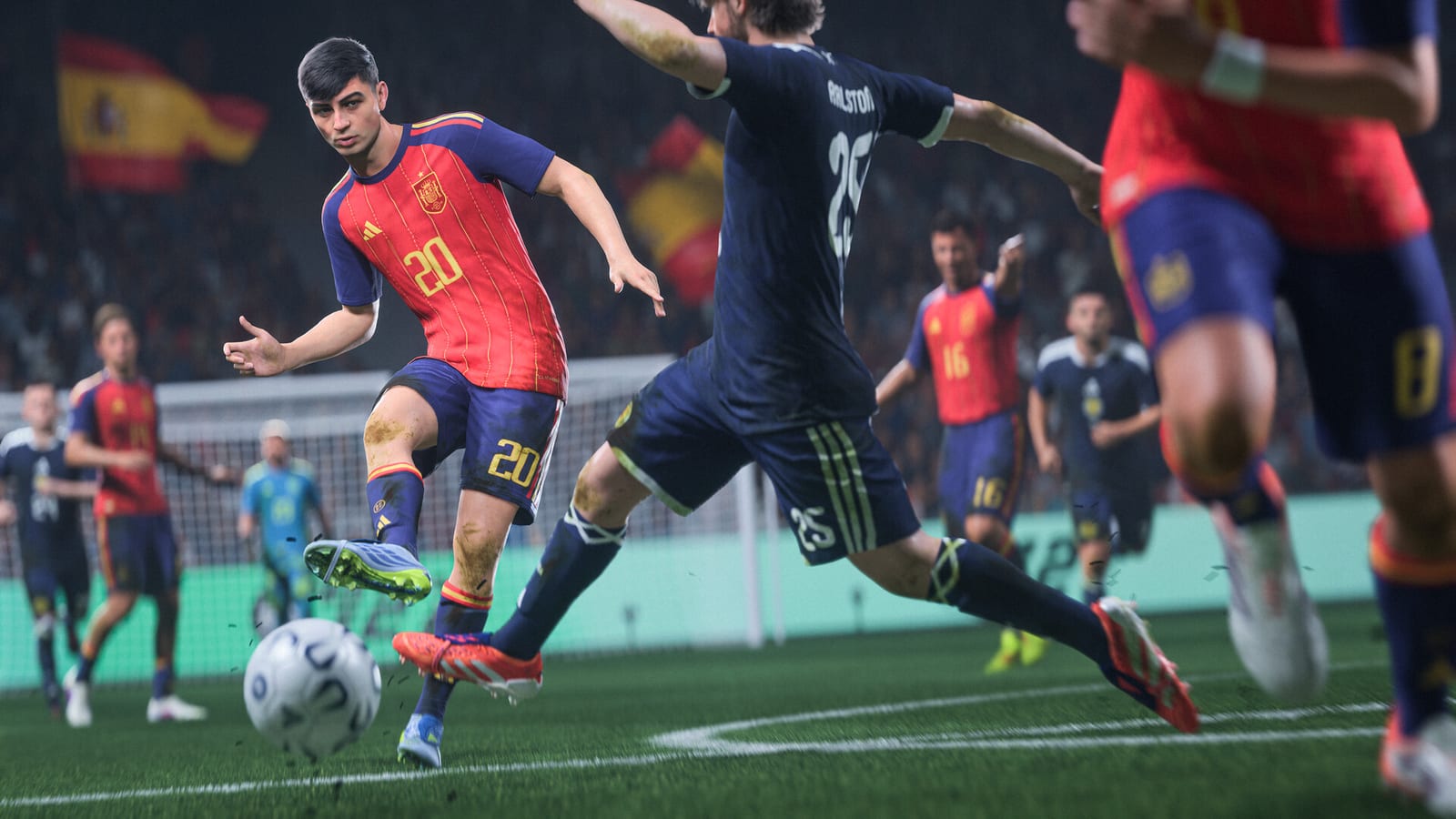
Before you pre-order or plan Closed Beta (Aug 5–25, 2026) sessions, confirm your hardware matches EA SPORTS FC 27 requirements. Retail launch is scheduled for September 25, 2026, with Ultimate and Ultimate Plus early access on September 18—specs may tighten slightly by then, but EA’s published PC baselines are the planning anchor today. This guide lists minimum and recommended PC builds, 100 GB storage expectations, always-online notes, full console platform coverage, and the The Grounds / Clubs limits that trip up cross-generation friend groups.
Pair numbers here with Editions Comparison if you are buying on PC, and use the Edition Compare tool for perk checklists alongside hardware decisions.
PC minimum requirements
EA’s pre-release PC listing targets Windows 10 or Windows 11 (64-bit) with DirectX 12 support. Minimum specs aim for 1080p / 30 FPS on low settings in offline-friendly modes—not peak Grounds crowds or high refresh competitive play.
| Component | Minimum specification |
|---|---|
| OS | Windows 10/11 64-bit |
| CPU | AMD Ryzen 5 1600 or Intel Core i5-6600K |
| RAM | 8 GB |
| GPU | AMD RX 570 or NVIDIA GTX 1050 Ti |
| DirectX | Version 12 |
| Storage | 100 GB available space |
| Network | Broadband internet connection |
Minimum reality check. An RX 570 or GTX 1050 Ti meets the floor on paper but may struggle with The Grounds social instances advertising up to ~100 players, dense stadium scenes, and Authentic Gameplay physics on rainy pitches. Budget testers should expect to lower crowd density, resolution scale, or frame-rate caps during beta weekends.
PC recommended requirements
Recommended specs target 1080p / 60 FPS on medium-to-high settings—the experience most PC players expect for a flagship sports sim.
| Component | Recommended specification |
|---|---|
| OS | Windows 10/11 64-bit |
| CPU | AMD Ryzen 7 2700X or Intel Core i7-6700 |
| RAM | 12 GB |
| GPU | AMD RX 5600 XT or NVIDIA GTX 1660 |
| DirectX | Version 12 |
| Storage | 100 GB available space |
| Network | Broadband internet connection |
Headroom matters for beta patches. Closed Beta builds download frequent deltas; keep 15–20 GB extra beyond the listed 100 GB so day-one patches and shader caches do not brick installs mid-window. SSD strongly recommended even though marketing tables sometimes list generic “storage”—NVMe cuts load times between Career Mode, FUT Gallery, and The Grounds hub transfers.
Storage: why 100 GB is not negotiable
Both minimum and recommended rows cite 100 GB free space. That figure includes the base client, localized commentary packs, shader compilation, and temporary patch staging. Beta testers who share one drive with other AAA titles should relocate libraries before August 5 rather than discovering failures hours before Beta Dates & Times server open.
On Steam or the EA app, enable automatic updates during the Closed Beta so you are not testing stale binaries when Updates documents a gameplay fix.
Online and always-on expectations
EA SPORTS FC 27 is an online-first product for most headline modes. Even single-player Career sessions may require account authentication, roster updates, and anti-cheat handshakes depending on build configuration. Plan for:
- Stable broadband—not mobile hotspot unless you accept disconnect penalties in FUT and Grounds queues.
- Open ports and NAT Type issues on consoles; party desync in The Grounds is often network routing, not game logic.
- Server maintenance windows during the Aug 5–25 beta; read Closed Beta Playbook for feedback etiquette when downtime hits peak hours.
Some coverage mentions Amazon Luna cloud streaming as an optional access path alongside native PC and console installs. Treat cloud performance as ISP-dependent; competitive latency testing belongs on local hardware.
Console and handheld platforms
Retail support spans PlayStation 5, PlayStation 4, Xbox Series X|S, Xbox One, Nintendo Switch, Nintendo Switch 2, and PC. Closed Beta invites may not include every platform every week—your email is the source of truth.
| Platform | Retail expectation | Beta note |
|---|---|---|
| PS5 | Full mode suite per store listing | Grounds / Clubs supported |
| Xbox Series X | S | Full mode suite |
| PC | Full mode suite | Grounds / Clubs supported |
| Switch 2 | Full mode suite in EA marketing | Grounds / Clubs supported |
| PS4 | Legacy mode availability | No Grounds / Clubs in pre-release focus |
| Xbox One | Legacy mode availability | No Grounds / Clubs in pre-release focus |
| Switch (original) | Legacy / scaled experience | No Grounds / Clubs in pre-release focus |
Cross-play rules can change between beta and launch—verify party invites on the platform you actually own before organizing Clubs nights.
The Grounds and Clubs platform limits
The Grounds—EA’s social hub with districts, Kickabouts, Rush, and integrated Clubs—runs on PS5, Xbox Series X|S, PC, and Nintendo Switch 2 only in pre-release materials. That restriction matters for mixed friend groups: a teammate on PS4 cannot enter your Grounds instance even if they received a beta code for other modes.
Read The Grounds for district navigation and Clubs in The Grounds for Clubhouse loops. Amps and Archetypes help you plan identity progression once you confirm hardware eligibility.
Closed Beta vs retail performance
Beta builds prioritize telemetry and debug overlays over polish. Minimum-spec PCs that barely hold 30 FPS in August may improve after September 18 early access patches—but do not buy hardware assuming miraculous optimization. Recommended specs remain the sensible target for content creators and Clubs organizers.
Beta progress does not carry to retail. Reinstalling for early access may be required; keep license redemption emails from Redeem Your Beta Code separate from Ultimate purchase receipts.
Pre-purchase checklist
- Compare CPU/GPU against both tables above.
- Clear 100 GB+ on an SSD.
- Update GPU drivers and enable DX12.
- Link EA account to your store (Steam, EA app, PlayStation, Xbox).
- Confirm platform choice if invited—Grounds testers need current-gen or Switch 2.
- Review Release & Early Access dates before buying Ultimate solely for September access.
Related wiki links
- Guides Hub — Mode walkthroughs after you verify specs.
- Closed Beta Playbook — Testing priorities once installed.
- Edition Compare — Perks vs hardware spend.
- Editions Comparison — Standard, Ultimate, Ultimate Plus bonuses.
- Codes Hub — Beta access if you are still invite-only.
Meeting minimum specs gets you in the door; recommended specs match how EA SPORTS FC 27 presents Authentic Gameplay, crowded Grounds plazas, and FUT Gallery fidelity at launch week—not just slideshow Career sims on a test bench.
Frequently Asked Questions
Quick answers to the most common questions.
What are the PC minimum specs for EA SPORTS FC 27?
Windows 10/11 64-bit, Ryzen 5 1600 or i5-6600K, 8 GB RAM, RX 570 or GTX 1050 Ti, DirectX 12, and 100 GB storage with broadband internet.
What are the recommended PC specs?
Ryzen 7 2700X or i7-6700, 12 GB RAM, RX 5600 XT or GTX 1660, DirectX 12, and 100 GB storage. Target 1080p60 on medium-high settings.
How much storage does FC 27 need?
Official listings require 100 GB free space for both minimum and recommended PC configurations. Leave extra room for beta patches and shader caches.
Which platforms support The Grounds and Clubs?
Pre-release focus lists PlayStation 5, Xbox Series X|S, PC, and Nintendo Switch 2. PS4, Xbox One, and original Switch are excluded from Grounds/Clubs coverage.
Can I play FC 27 offline?
EA markets an online-first experience. Expect account authentication and updates even for Career sessions; stable broadband is recommended for beta and retail.
Do beta installs use the same specs as retail?
Hardware targets align, but beta builds may run worse due to debug overhead and unoptimized assets. Recommended specs are safer for Grounds stress tests.