EA SPORTS FC 27 Closed Beta Redeem Your Beta Code
Platform store steps for PlayStation, Xbox, PC, and Nintendo before the Aug 5 start.
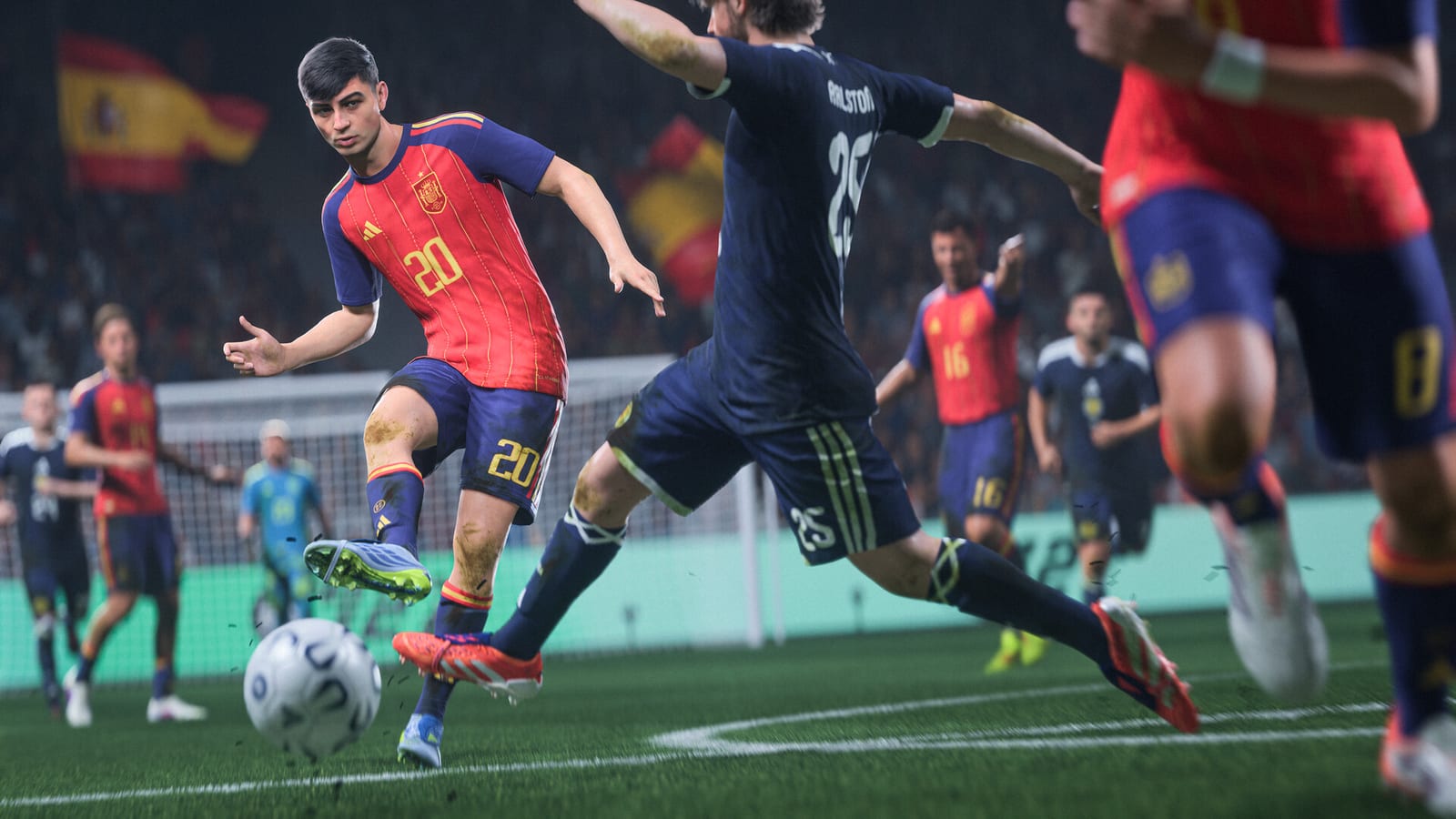
After EA accepts your Closed Beta survey confirmation, the next critical step is redeeming the platform code delivered by email. This code is not a universal key you type inside FC—it unlocks the beta client on the specific store matching the platform you chose: PlayStation Store, Microsoft Store, Nintendo eShop, or PC through the EA app. Redeeming incorrectly, on the wrong account, or after codes expire can lock you out even if you were invited.
Use this guide during the window between your confirmation (~by July 31, 2026) and the beta start (August 5, 2026, 10:00 AM PT / 6:00 PM BST). Download availability typically opens about one day before servers go live.
Before you redeem
Gather these items to avoid failed attempts:
- The original invite email with the platform code (copy carefully—no extra spaces)
- The EA account that confirmed the survey, linked to your console or PC profile
- The same platform you selected in the survey (PS5 vs PS4 codes differ; Series X|S vs One likewise)
- Stable internet and enough storage for the beta client (check EA’s pre-release notes for approximate size)
Beta codes are single-use and non-transferable. Do not share screenshots publicly; leaked codes can be revoked.
PlayStation (PS5 and PS4)
- On your console, sign in to the PlayStation Network account linked to your EA account.
- Open the PlayStation Store.
- Scroll to Redeem Codes (or use the ”…” menu → Redeem Code on PS5).
- Enter the 12-character code from your EA email exactly as shown.
- Confirm the listing shows EA SPORTS FC 27 Closed Beta (or equivalent beta product name) for your console generation.
- Begin download when the store allows installation—often after pre-load opens ~24 hours before August 5.
If redemption fails with “invalid code,” verify you are on PS5 vs PS4 as selected in the survey. PS5 codes do not work on PS4 and vice versa. Also confirm the PSN region matches the invite expectations; community reports sometimes tie invites to US/UK store regions, though EA has not officially guaranteed region rules.
Xbox (Series X|S and Xbox One)
- Sign in to the Microsoft account linked to your EA profile on console or Xbox.com.
- Open Microsoft Store → Redeem (or visit redeem.microsoft.com).
- Enter the beta code from your email.
- Accept the product entitlement for EA SPORTS FC 27 Closed Beta on the correct generation (Series vs One).
- Download from My games & apps when pre-load activates.
Series X|S players testing The Grounds or Clubs should redeem on Series hardware—those modes are not on Xbox One for this beta. For launch timing after install, see Beta Dates & Times.
PC (EA app)
- Install or update the EA app on PC (EA’s current desktop client).
- Sign in with the same EA account that confirmed the survey.
- Open the Redeem Code section in the app menu (or use EA’s web redeem page while logged in).
- Paste the PC beta code from your email.
- Add the Closed Beta to your library and start the download when enabled.
PC is the most flexible platform for The Grounds, Clubs online co-op, and high frame-rate testing. Ensure your EA account email matches the invite recipient exactly—family-shared EA accounts sometimes cause entitlement mismatches.
Nintendo Switch and Switch 2
- Sign in to the Nintendo Account linked during EA registration.
- Open Nintendo eShop on the console you will play on.
- Select Enter Code and input the beta download code.
- Confirm the product targets Switch or Switch 2 as applicable to your invite.
The Grounds and Clubs are supported on Switch 2 for this beta, not on the original Switch. If your survey specified Switch 2, redeem and install on that hardware to access those modes.
Timeline: code, download, play
| Step | When |
|---|---|
| Survey invite & confirm | Before ~July 31, 2026 |
| Platform code email | After confirmation; timing varies |
| Client pre-load | ~1 day before Aug 5 |
| Servers live | Aug 5, 10:00 AM PT / 6:00 PM BST |
| Beta ends | Aug 25, 2026 |
Use the Beta Timezone Tool to convert Pacific and BST times to your locale so you are ready at server open—not hours late due to timezone math errors.
Troubleshooting common errors
“Code invalid or already used” — You may be on the wrong platform generation, wrong store region, or signed into a different account than the one invited. Sign out, verify emails match, and retry on the correct device.
“Product not found” — Pre-load may not be live yet. Wait until EA’s download email says installation is open (~one day pre-start). Patching during the Aug 5–25 window may also require client updates via the same store.
Code works but game won’t launch — Check for secondary downloads, EA app login on PC, or PlayStation Plus / Xbox Live online requirements for online modes. Clubs and The Grounds require online co-op connectivity.
Wrong platform selected in survey — EA support may not re-issue codes. Prevention is easier than reversal: read How to Get Beta Access before confirming the survey.
Security reminders
Only redeem codes from official EA email domains you recognize. Phishing messages mimic beta invites around popular tests. Never enter your EA password on third-party “beta generator” sites. EA will not ask for payment to unlock a free Closed Beta.
After redemption
Once installed, read the Closed Beta Playbook for mode-specific goals, bug reporting, and feedback etiquette. Remember: beta progress does not carry to the September 25, 2026 retail launch; Early Access for Ultimate editions begins September 18. Details on Release & Early Access.
The Closed Beta is an active test through August 25, 2026—not the finished product. Expect downtime, patches, and disabled features as EA iterates on the build.
Frequently Asked Questions
Quick answers to the most common questions.
Where do I enter my FC 27 beta code?
Redeem on the store for your chosen platform: PlayStation Store, Microsoft Store, Nintendo eShop, or the EA app on PC. The code from your invite email is a store entitlement, not an in-game menu code.
When can I download the beta after redeeming?
EA typically enables client download about one day before the beta starts on August 5, 2026. Redeeming early adds the entitlement; pre-load opens when EA sends the download notification.
Can I use my beta code on a different platform?
No. Codes are platform-specific based on your survey answer. A PS5 code will not work on Xbox or PC. Select carefully before confirming your invite.
Why does my code say invalid?
Common causes include wrong console generation (PS5 vs PS4), wrong Microsoft or Nintendo account, store region mismatch, or attempting redemption before EA activates the product listing. Verify the invite email account matches your store login.
Do I need PlayStation Plus or Xbox Live for the beta?
Online modes—including Clubs and The Grounds co-op—require platform online subscriptions where those services normally apply. Single-player or offline portions depend on what EA enables in the beta build.
Will my beta unlock carry over to the full game?
No. Beta entitlements expire when the test ends August 25, 2026. Purchasing the retail game or using Ultimate Edition Early Access on September 18 is separate from beta redemption.